"Should I use the Meta Pixel or the Conversion API?" is one of the questions I hear most from ecommerce owners in Bangladesh and service businesses in the US. It is a fair question, because Meta's own setup screens offer both, and plenty of agencies sell CAPI as if it replaces the Pixel. It does not. They do different jobs, and Meta's system is designed to receive both.
In this post I explain what each one does, where each one fails, and how I set them up together so you get more complete data without double-counting.
What is the Meta Pixel?
The Meta Pixel is a piece of JavaScript that runs in your visitor's browser and sends events such as PageView, ViewContent, AddToCart and Purchase to Meta. It also sets a first-party cookie called _fbp and, when someone arrives from an ad with an fbclid parameter in the URL, a _fbc cookie. Meta uses these to connect website actions back to ad clicks and to build retargeting audiences.
The Pixel is easy to install, it sees rich browser context (the page, the referrer, the device), and it powers real-time audiences. Its weakness is that it depends entirely on the browser.
Where does the Pixel lose data?
The Pixel loses data whenever the browser does not let it run or limits what it can store. Common causes:
- Ad blockers and privacy extensions that block requests to Meta's domains.
- Browser privacy features, such as Safari's Intelligent Tracking Prevention (ITP), which shortens the life of cookies set by JavaScript.
- iOS App Tracking Transparency, which limits what Meta can use from people who opt out of tracking in the Facebook and Instagram apps.
- Slow pages and redirects, where the visitor leaves before the Pixel loads, or a payment gateway never returns them to the thank-you page.
- Consent choices, where the visitor declines tracking cookies.
I go deeper into the Apple side of this in iOS privacy changes and how to recover lost Facebook Ads data.
What is the Meta Conversion API (CAPI)?
The Meta Conversions API (CAPI), often called the Conversion API, is a way to send the same events from your server directly to Meta, instead of from the visitor's browser. Because the request goes server-to-server, ad blockers and browser restrictions on scripts do not stop it.
A server event carries the event name, time, the page URL, an action_source (for websites, website) and customer information parameters. Personal identifiers such as email (em), phone (ph), first and last name, city and external ID must be normalized and hashed with SHA-256 before sending. The client IP address, user agent and the _fbp and _fbc values are sent unhashed, because Meta needs them in their original form for matching.
Where does CAPI fall short on its own?
CAPI only knows what your server knows. On its own, it struggles with:
- Browsing events like
ViewContenton a cached page, where your server may never see the request. - Browser identifiers. Without the Pixel setting
_fbpand_fbc, your server has fewer signals to pass along. - Real-time behavior that only exists in the browser, such as scroll depth or clicks on a WhatsApp button, unless you forward it from the browser to your server first.
That is why server-only setups often have weaker matching than a hybrid setup.
Pixel vs Conversion API: how do they compare?
The Pixel and CAPI compare as two delivery routes for the same events, with opposite strengths. Here is a side-by-side view:
| Meta Pixel | Conversions API | |
|---|---|---|
| Where it runs | Visitor's browser | Your server or a server container |
| Blocked by ad blockers | Often | No |
| Affected by browser cookie limits | Yes | Less, if you use a first-party server setup |
| Sees browser context and cookies | Yes | Only what you pass to it |
| Can send offline or delayed events | No | Yes, such as confirmed or COD orders |
| Setup effort | Low | Medium to high |
| Needs deduplication with the other | Yes, when both send the same event | Yes |
Neither column wins. Together they cover each other's gaps.
Why does Meta want you to use both?
Meta recommends a redundant setup because it gets the most complete picture when the same event arrives from both the browser and the server. If the Pixel is blocked, the server event still arrives. If the server misses a browsing event, the Pixel still catches it. When both arrive, Meta keeps one and merges what it learns.
The part that makes this safe is deduplication. Each event pair shares the same event name and the same event ID: eventID in the Pixel call and event_id in the server payload. When Meta sees a match, it counts one conversion. Without that, a hybrid setup doubles your purchases. I cover the details, including how to test it, in event deduplication in Meta CAPI.
How does CAPI improve Event Match Quality?
CAPI improves Event Match Quality (EMQ) because it lets you send more customer information with each event than the browser alone usually provides. EMQ is the score Meta shows in Events Manager, on a scale out of 10, estimating how well the customer data in your server events can be matched to a Meta account.
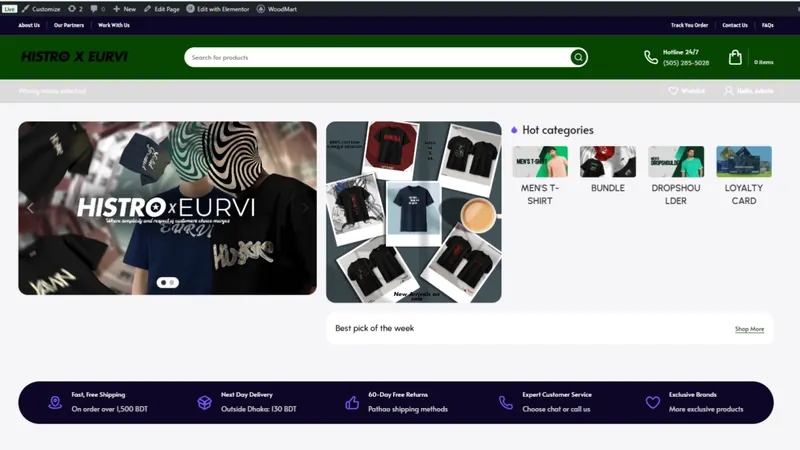
Better matching means more conversions attributed to the right ad and better optimization signals. On my Histro Clothing project, adding a server-side CAPI setup on Stape with hashed email and phone, plus IP address and user agent, moved match quality from 3/10 to 9/10. Your score will depend on what data your checkout collects and what your customers have consented to.
Parameters that usually help most:
- Hashed email and phone number
_fbpand_fbcvalues captured from the browser- Client IP address and user agent
- An external ID, such as your customer ID, hashed
- Name, city and country for purchase events, hashed
How do I set up the Pixel and CAPI together?
The practical way to set up both is to send every key event from the browser and the server with a shared event ID. My usual process:
- List your events. For ecommerce:
PageView,ViewContent,AddToCart,InitiateCheckout,Purchase. For lead generation:Lead,Contactor a custom event. - Choose the server route. A platform integration (like Shopify's Facebook & Instagram channel or the Meta for WooCommerce plugin), server-side Google Tag Manager on Stape or Google Cloud, or Meta's Conversions API Gateway. I compare these in my guide to setting up CAPI on Shopify and WooCommerce.
- Generate one event ID per action and pass it to both the Pixel and the server event.
- Forward browser identifiers (
_fbp,_fbc, user agent) to the server event. - Hash customer data with SHA-256 after normalizing it (lowercase, trimmed, phone numbers with country code).
- Test in Events Manager using the Test Events tool, then check that events show as received from both browser and server and that deduplication is working.
- Watch EMQ and diagnostics for a few days after launch and fix any warnings.
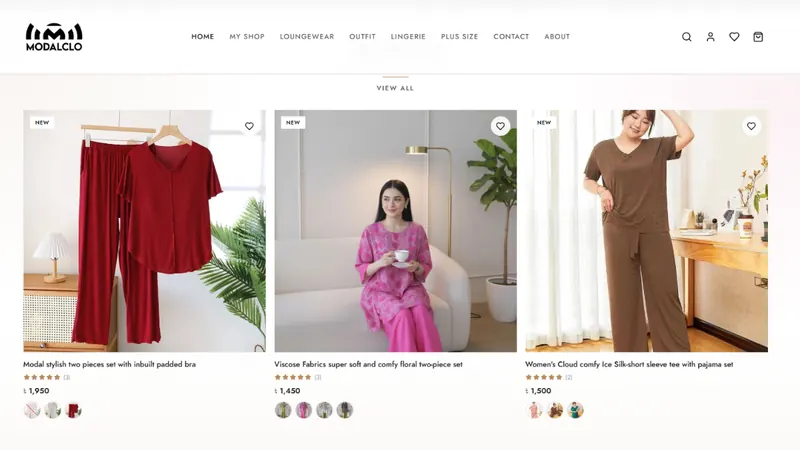
On the Modalclo Shopify project, the browser-only Pixel was missing purchases and Ads Manager numbers did not match real Shopify orders. A deduplicated Pixel plus CAPI setup with hashed customer data replaced it.
Final thoughts
The Pixel and the Conversion API are not competitors; the Pixel gives Meta browser context and the server gives it reliability. Running both with shared event IDs is the setup I recommend for nearly every advertiser spending meaningful money on Meta. If you want help building or checking yours, take a look at my advanced conversion tracking service or book a free tracking audit.