When a small business owner shows me their Google Ads account, the structure usually tells me most of the story before I look at a single number. One campaign with one ad group holding 80 keywords. Or the opposite: dozens of tiny campaigns, each with a few dollars of daily budget and almost no conversions.
Good structure sits between those extremes. In this guide I explain how a Google Ads account is organised, the principles I use to structure accounts for small businesses, and an example layout for a local service company.
How is a Google Ads account structured?
A Google Ads account is organised in layers: the account holds campaigns, campaigns hold ad groups, and ad groups hold keywords and ads. Each layer controls different settings, so where you split things decides what you can control.
| Level | What it controls | Examples |
|---|---|---|
| Account | Billing, users, conversion actions, account-level negatives, linked tools | GA4 link, Merchant Center link, account-default goals |
| Campaign | Budget, bid strategy, locations, languages, networks, ad schedule, campaign goals | "Search - House Cleaning - City A" |
| Ad group | Keywords, ads and the landing page theme | "Move-Out Cleaning" |
| Keywords and ads | What you match to, and what the searcher sees | Keywords, responsive search ads |
| Assets | Sitelinks, callouts, calls, locations, images | Can be added at account, campaign or ad group level |
Agencies and freelancers often access client accounts through a manager account (sometimes called an MCC), which links several accounts without sharing passwords. As a business owner, you should always own your own Google Ads account and grant access to whoever manages it.
What principles should guide your account structure?
Structure your account so that each campaign represents a real business decision about budget, location or bidding, and each ad group represents one clear search theme. If two things need different budgets or targets, they belong in different campaigns. If they share everything but the message, they belong in different ad groups.
Split campaigns when settings need to differ
Create separate campaigns when you need:
- A different budget, for example your most profitable service gets guaranteed spend.
- A different location, such as two cities with different demand or pricing.
- A different bid strategy or target, because a high-value service can afford a higher cost per lead.
- Different networks or campaign types, for example Search versus Performance Max.
- Brand versus non-brand, so cheap branded searches do not hide the true cost of finding new customers.
Split ad groups by search intent
Inside a campaign, build ad groups around tight themes, usually one service or product type each. This keeps ads relevant and lets each ad group point to its own landing page, which also helps Quality Score. My guide on how to improve Google Ads Quality Score explains why that relevance matters.
Do not split more than your data allows
The old approach of single keyword ad groups (SKAGs), one keyword per ad group, made sense when match types were stricter and bidding was manual. With modern matching and Smart Bidding, heavy fragmentation spreads conversion data so thinly that bidding struggles to learn. For most small accounts, fewer campaigns with more data each perform better than many tiny ones. The section on conversion volume in my Smart Bidding guide explains why.
What does a good structure look like for a local service business?
For a local service business, a good structure usually means a small number of Search campaigns split by service and location, with ad groups for each specific service and a separate brand campaign.
Here is an example for a cleaning company serving one metro area:
| Campaign | Ad groups | Landing page |
|---|---|---|
| Search - Brand | Brand name, brand + reviews | Homepage |
| Search - Residential Cleaning | House cleaning, apartment cleaning, recurring cleaning | One page per service |
| Search - Move-In/Move-Out | Move-out cleaning, move-in cleaning, end of lease | Move cleaning page |
| Search - Commercial Cleaning | Office cleaning, janitorial services | Commercial page |
Move-in/move-out cleaning gets its own campaign here because it often has a different budget need and lead value from recurring house cleaning. If it does not in your business, it can sit as an ad group in the residential campaign.
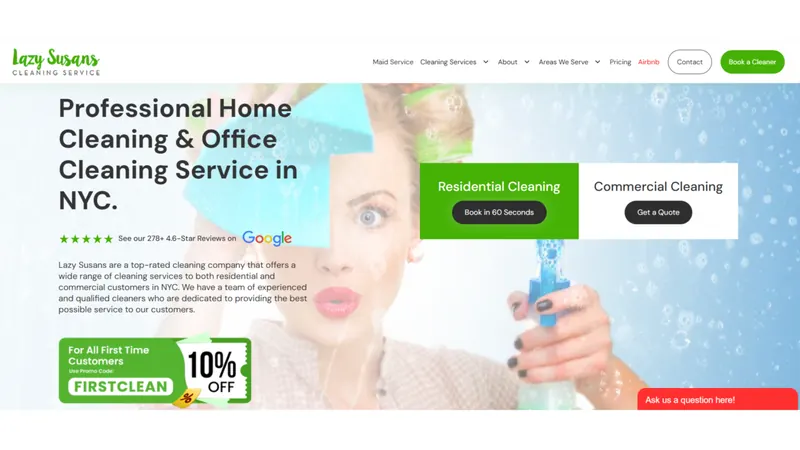
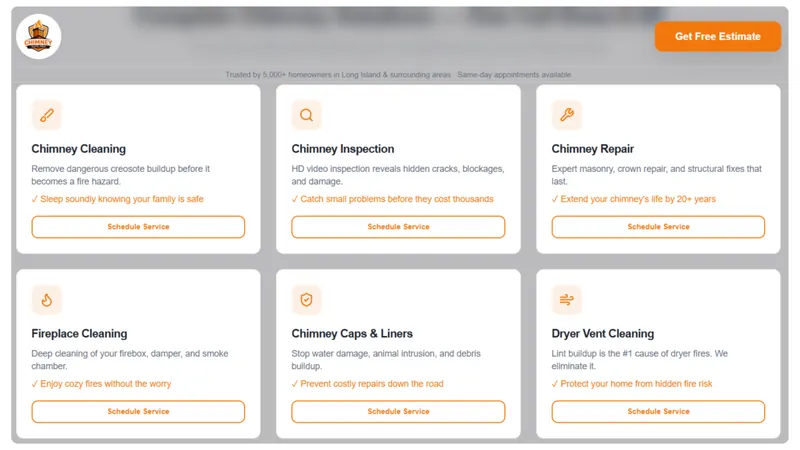
This mirrors the service-based approach I used for Lazy Susan's Cleaning Service, where keywords were grouped by service, such as house cleaning, apartment cleaning, move-in/move-out cleaning and recurring cleaning, and campaigns were limited strictly to the service area. For Chimney Safe Pro, the same principles applied to chimney cleaning, inspection and sweeping searches, again with strict geo-targeting.
For more on campaigns for this industry, see Google Ads for cleaning businesses.
Which campaign settings should you check when you build the structure?
Check the settings that silently waste budget, because they are easy to miss when a campaign is created and hard to spot later.
- Networks: For Search campaigns, decide deliberately on the Display Network and Search partners. I usually exclude Display from Search campaigns.
- Location options: Target people in or regularly in your locations ("presence"), not people merely interested in them.
- Languages: Match the languages your customers search in.
- Ad schedule: If you only answer phones during business hours, consider scheduling call-focused ads accordingly.
- Campaign goals: Confirm each campaign optimises for the right primary conversions, not every account-default goal.
- Assets: Add sitelinks, callouts, call and location assets at the right level.
How should you name campaigns and ad groups?
Use a consistent naming convention that tells anyone, at a glance, what a campaign does. It makes reporting, filtering and handovers much easier.
A simple pattern I use:
[Type] - [Service or Category] - [Location] - [Bid strategy]
Search - Move-Out Cleaning - City A - MaxConv
PMax - Shoes - BD - MaxValue
Keep ad group names to the theme only, such as "Move-Out Cleaning" or "Office Cleaning". Avoid names like "Campaign #3" or "New Ad Group 2", which say nothing six months later.
How do negative keywords fit into the structure?
Negative keywords should sit at the level where they apply: account-level or shared lists for terms you never want, campaign-level negatives for terms wrong for that campaign, and ad group negatives to steer searches between ad groups.
- Shared negative keyword lists for universal terms, like jobs, salary, training, free and DIY.
- Campaign negatives to keep commercial searches out of the residential campaign, and the other way round.
- Ad group negatives to direct "move out" searches to the move-out ad group instead of general house cleaning.
My list of negative keywords for local service businesses is a good starting point for the shared lists.
Where does Performance Max fit?
Performance Max fits alongside a Search structure, not instead of it, for most small businesses. I usually build and stabilise Search first, then test Performance Max once conversion tracking is reliable and there is budget to spare.
If you run both, apply brand exclusions or negatives in Performance Max where appropriate so it does not simply absorb your brand traffic. My Performance Max guide covers when it makes sense.
Final thoughts
A good account structure makes every other optimisation easier: budgets go where you decide, ads match searches, and bidding has enough data to learn. If your account has grown messy over time, my Google Ads management service includes a structure review, or you can book a free audit.